


 info@webtecksolutions.com
  314-206-2748
  10:00 a.m. - 6:00 p.m.
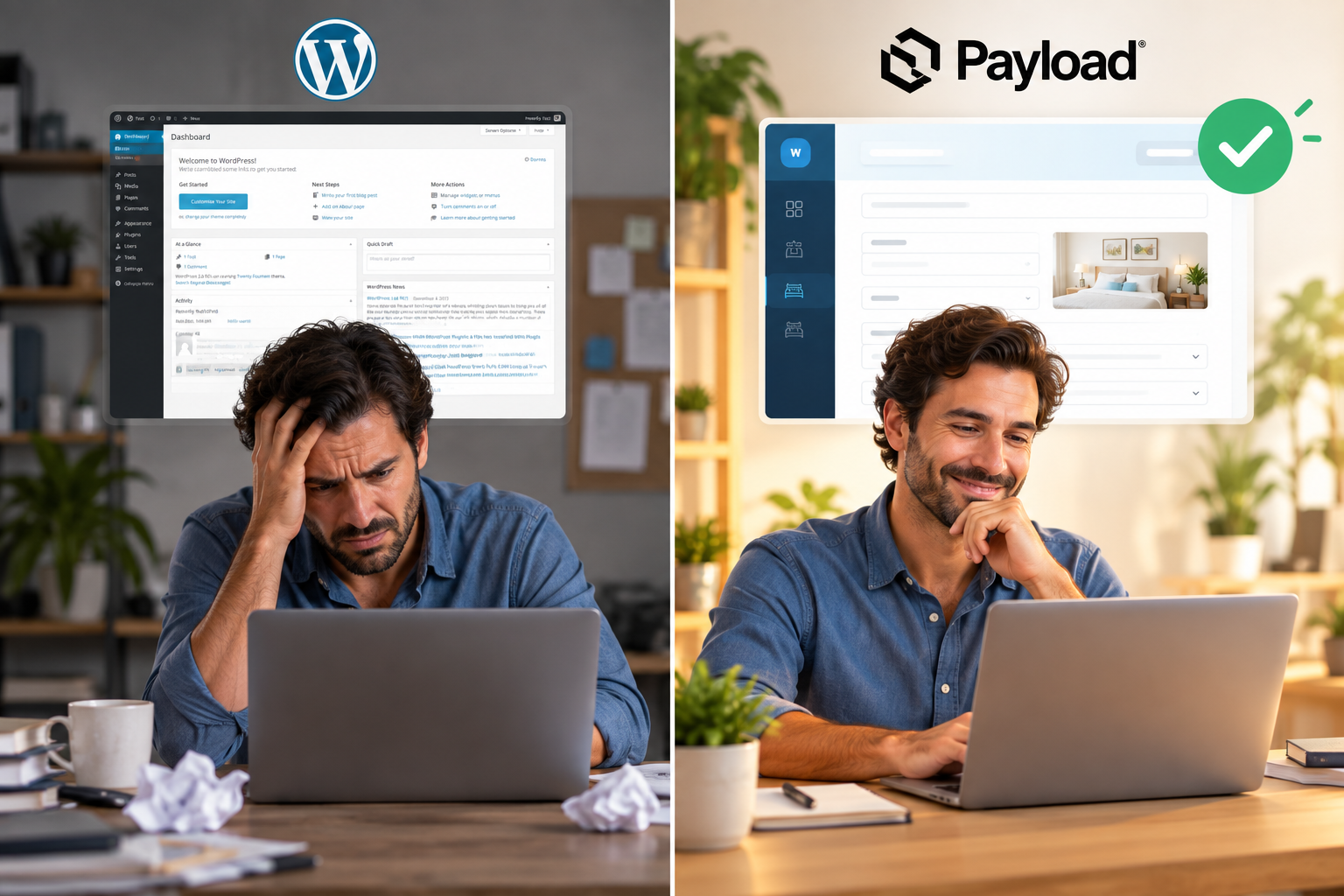
Web Development - Technology | 2026-09-22 | Felipe Salazar
Why We Left WordPress and Chose PayloadCMS with Next.js for Enterprise Projects
When I talk to business owners about web development, I almost always run into the same story:
they were sold a WordPress site that looked good at first, but within a few months it became slow and bloated, started demanding expensive plugin licenses for basic features and, in the worst cases, ended up with security warnings on Google or malicious code injections.
In the more than five years I’ve spent building platforms for law firms, real estate agencies, construction companies, schools and oil companies, I’ve seen up close how the websites of friends built by other agencies have been hacked due to vulnerabilities in outdated plugins.
In contrast, the sites I’ve developed for my clients have never suffered an intrusion, they keep their organic Google traffic, load instantly and keep running at 100%. That stability isn’t achieved by installing security plugins; it’s achieved by changing the technical foundation: PayloadCMS with Next.js.
WordPress:
WordPress is no longer built for the modern web; WordPress was designed in 2003 for blogs.
When you try to turn it into a platform for a real estate agency with hundreds of properties or into the portal of a law firm, you’re forced to stuff it with heavy visual builders and dozens of third-party plugins. Each one of those plugins is a back door for attacks and a recurring monthly expense for the client.
PayloadCMS:
PayloadCMS proposes exactly the opposite. It’s natively built on Next.js and TypeScript. This means it’s not just a panel for uploading articles; it’s an application and a complete backend framework.
There’s no junk code or shady dependencies: the client only invests in development, hosting and deployment on infrastructure like AWS and Cloudflare.
The result is hardened sites where managing complex databases, archiving projects and handling heavy portfolios is done quickly and in an organized way from a clean panel.
From a Simple Page to an Operations Center
One of the biggest advantages I’ve seen with my own clients is Payload’s versatility. With such an advanced user roles and permissions system, the platform doesn’t remain just a page to showcase services. Several clients have leveraged this foundation to turn their website into the internal management hub of their business.
Since you don’t depend on closed tools, you can integrate:
- Online sales gateways and direct booking systems without paying commissions to external platforms.
- CRM-style panels to capture leads and follow up commercially with clients.
- Direct integration with Artificial Intelligence through modern protocols like MCP (Model Context Protocol).
- Besides, when it comes to Google rankings, the difference is huge. Next.js generates pages optimized for search engines from the very first second, guaranteeing green Core Web Vitals metrics without having to install cache plugins that end up breaking the design.
Summing Up the Technical Decision
If we put both alternatives on the table for a serious enterprise project, the balance is clear:
WordPress:
It depends on external plugins with a constant risk of vulnerabilities, accumulating monthly licenses and slow code that hurts SEO.
PayloadCMS + Next.js:
Your own secure code, native speed on Google, total control of your company’s data and the ability to scale toward AI automations or internal systems.
It’s no coincidence that giants like Microsoft, Sonos, ASICS or Blue Origin are using PayloadCMS instead of traditional systems.
When a business depends on its web platform to generate revenue and protect its clients’ information, the technology behind it can’t be a patch; it has to be a solid foundation designed to last.
 +573142062748
 Facebook
 Instagram
 Linkedin